Same questions, every form
Every employer portal asks for your name, history, education, and the same screening questions again — in a slightly different layout.
ApplyWise remembers answers you approve, fills repetitive ATS forms, attaches your resume, and checks every required field before you submit.
Beta spots open in small groups · Free during beta · Chrome and Chromium browsers · You always review and submit
A FIRST LOOK
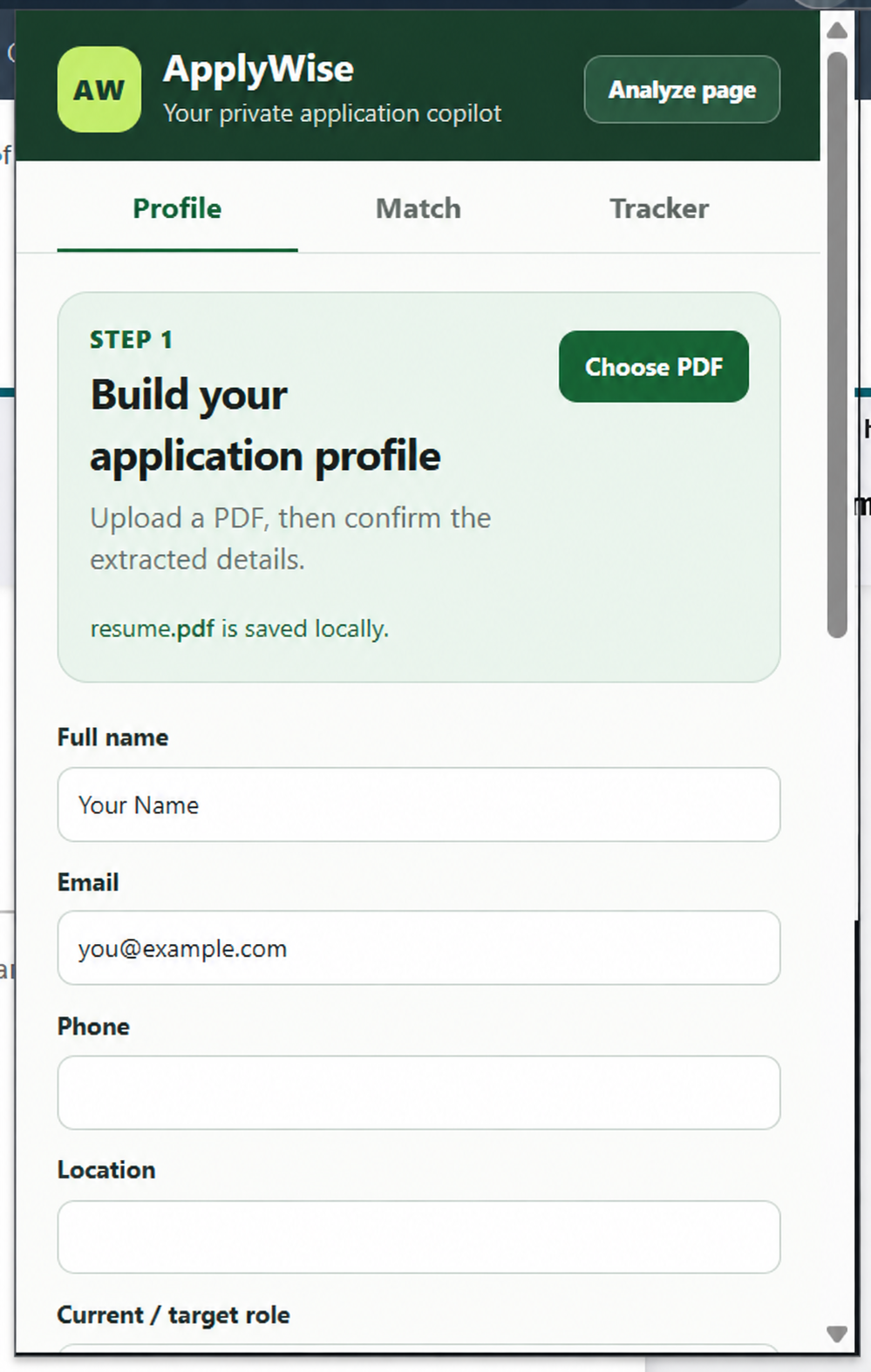
Save verified details once, then stay in control of what ApplyWise reuses. Personal information in this preview is sample data.
WHY APPLYWISE
Every employer portal asks for your name, history, education, and the same screening questions again — in a slightly different layout.
Mass auto-apply tools invent answers and submit without you seeing them. One wrong answer can cost you the role.
ApplyWise only reuses facts you have confirmed, highlights every field it touches, and leaves Submit to you.
WHAT’S IN THE BETA
Upload a PDF resume once. ApplyWise extracts your contact details, skills, education, and latest role for you to confirm.
Scan a job page to see a match score, the skills you already show, and the gaps worth addressing — honestly.
Fill contact, education, experience, and work-authorization questions, attach your resume, and keep filling through each step.
Answer a new screening question once, press Remember answers, and reuse it on the next application.
A panel shows each value ApplyWise filled and exactly where it came from — your profile or an answer you saved. Nothing is guessed.
Catch empty required fields before you submit, then follow every role from Interested to Offer.
THE THREE-MINUTE WORKFLOW
Open a job, analyze it, move to the employer application, and fill the open step. If a new question appears, answer it once and save it for next time.
ROAD TO LAUNCH
We are inviting early users in small groups and fixing what they find on real application forms.
In progressOne-click install from the Chrome Web Store and support for more application sites, shaped by beta feedback.
Coming upApplyWise opens to everyone. Waitlist members hear first and get access before the public.
Coming soonTRUTH-LOCKED BY DESIGN
Your profile and answer memory stay in your browser. ApplyWise fills only after you ask it to, shows the source of every value it fills, never refills a field you cleared, and leaves final submission to you.
PUBLIC LAUNCH COMING SOON
Join the waitlist for early beta access. It’s free during the beta, and your feedback directly shapes what we support at launch.
Join the beta waitlistBeta software may need manual input on custom application forms. Always review before submitting.